1. The individual being checked will receive an email from Credas in relation to the check. It will appear as shown below:
Note: We recommend advising your clients in advance to anticipate an email from no-reply@credas.com to avoid it being considered junk mail.
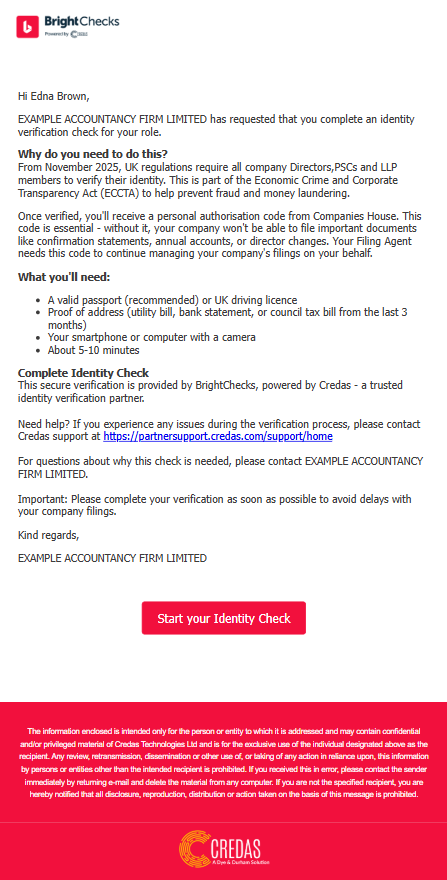
2. Following the Start your Identify Check button will take the individual in to the process.
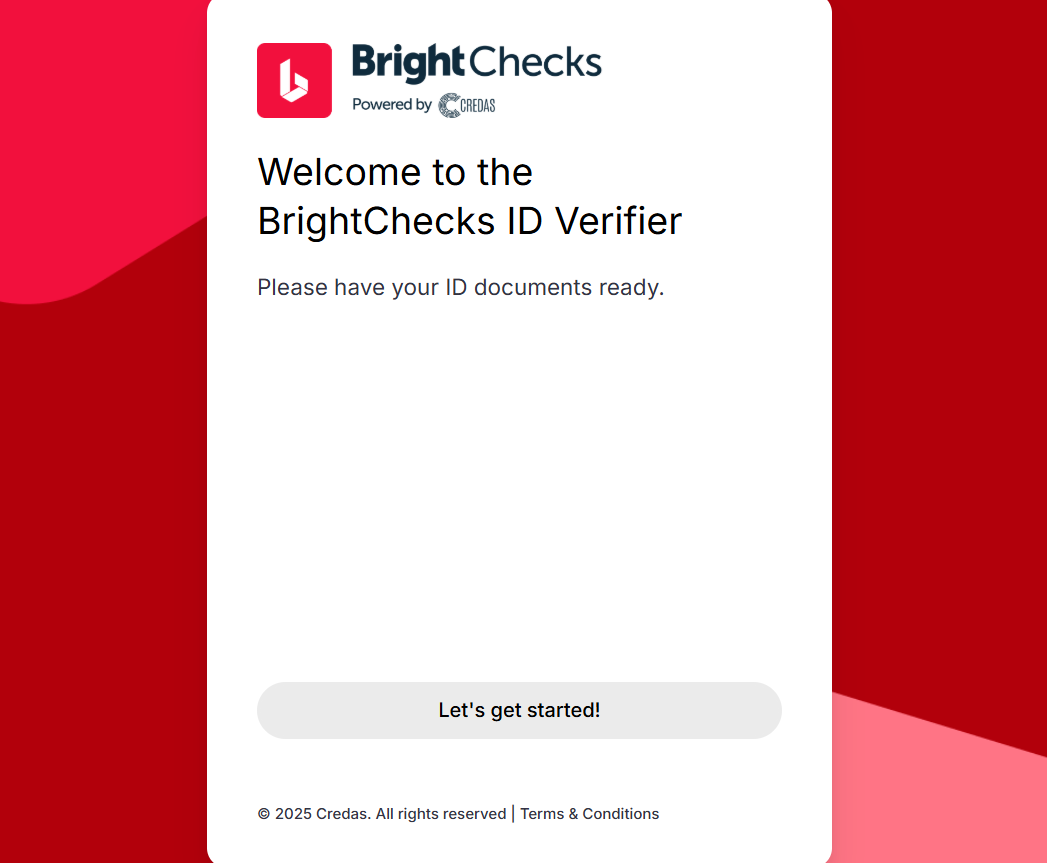
The screen which they will initially see is shown below. Selecting Let's get started! opens the terms and conditions which must be confirmed to proceed.
3. The check can be completed on desktop or by phone. Most will find phone a more practical option due to the increased camera functionality.
The process will slightly differ based on the 2 options:
- Continue on desktop - Identification can uploaded as an image and a photo taken using your webcam.
- Switch to mobile - Photos can be taken of identification (or uploaded) and a selfie on the phone.
The steps below are based on Switch to mobile.
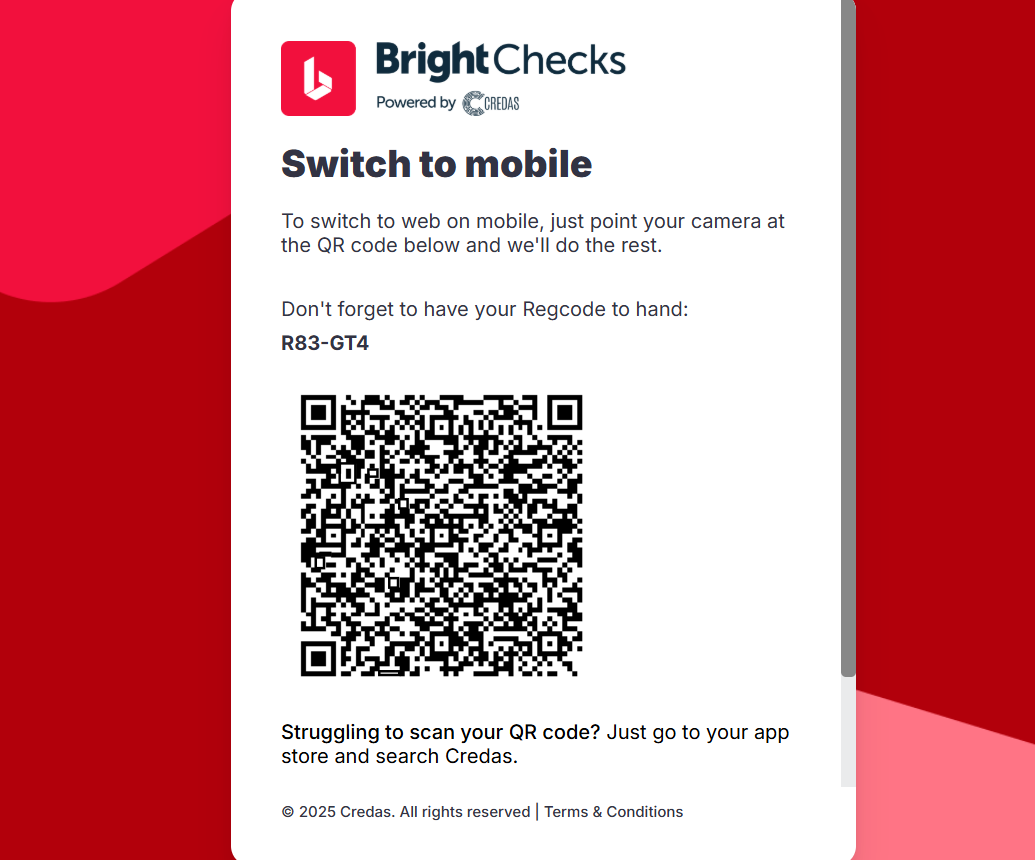
4. Selecting Switch to mobile displays a QR code for the check. The individual can take a photo of the code to access the check process.
5. The check process will open with the name and date of birth populated for the individual, they can confirm that this is correct and continue.
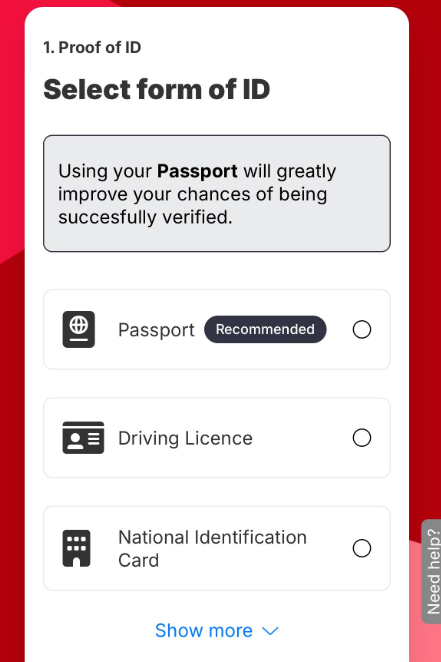
6. The proof of ID can then be added, initially the address identification (if and address check is selected) and photo ID, by selecting the form of ID being used as shown below.
7. Fine points on completing the check are shown in the Credas check guide. Please see the link below: