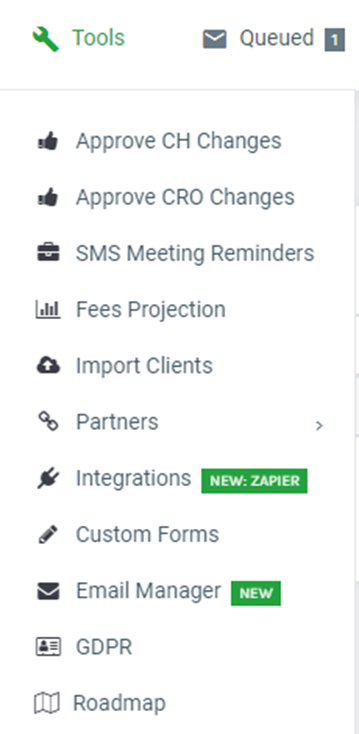
To import, go to Tools > Import Clients.
Download the Template by clicking on the blue hyperlink.
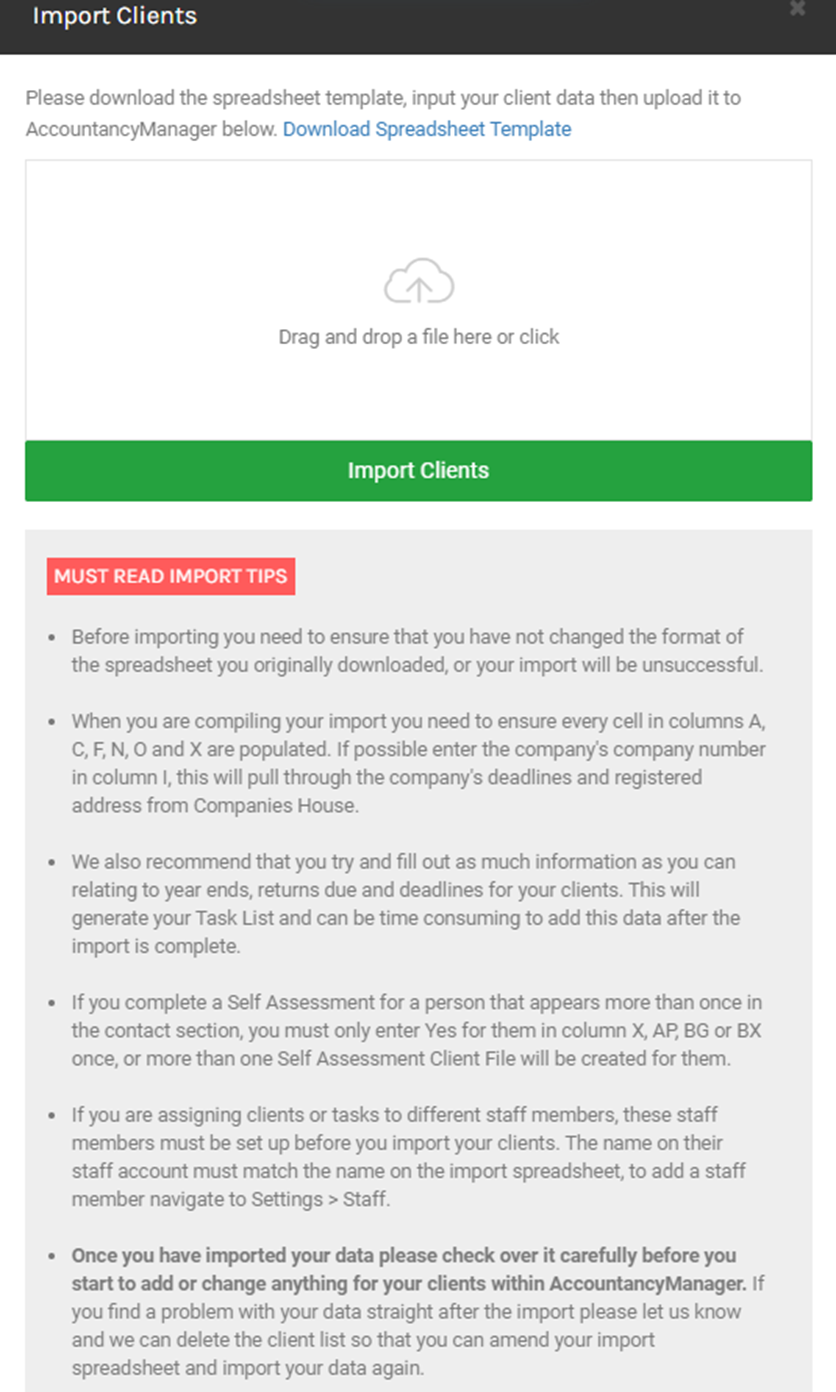
We recommend filling in as much detail as possible about the services you are providing clients.
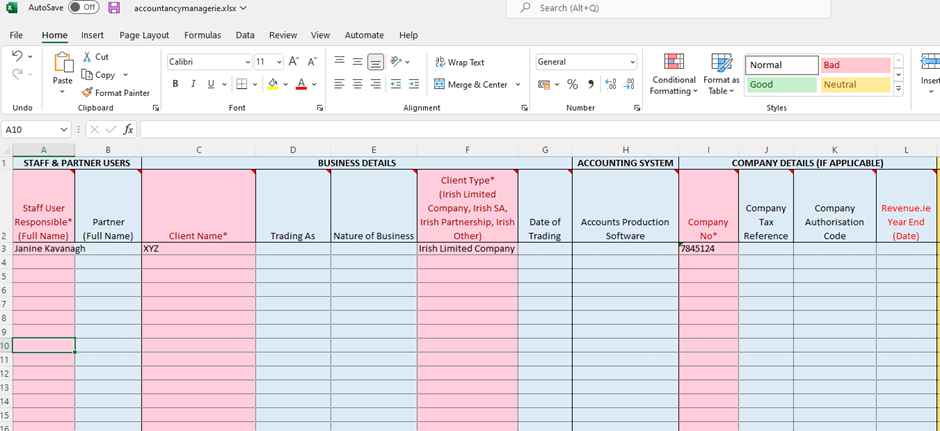
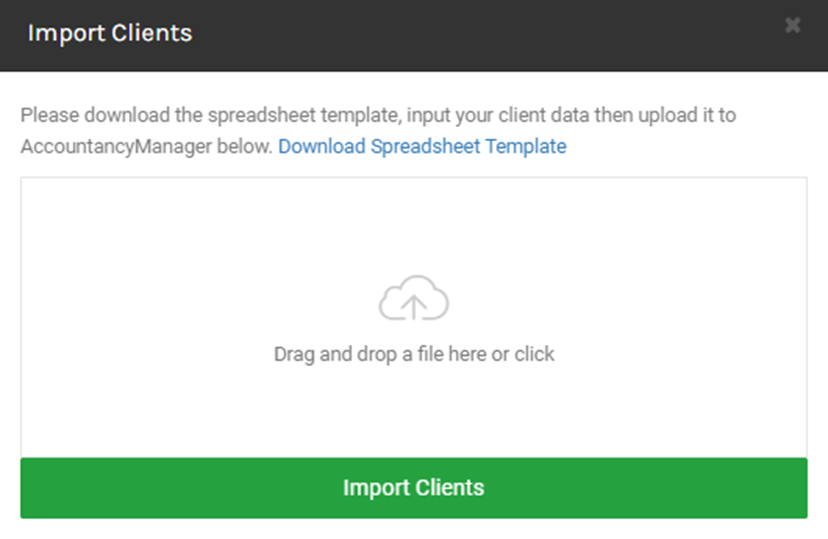
Once happy, save your excel file and close it. You can then drag and drop this onto the below box and click on Import Client.
Note: BrightManager is linked to Companies House and will check all client information is correct.
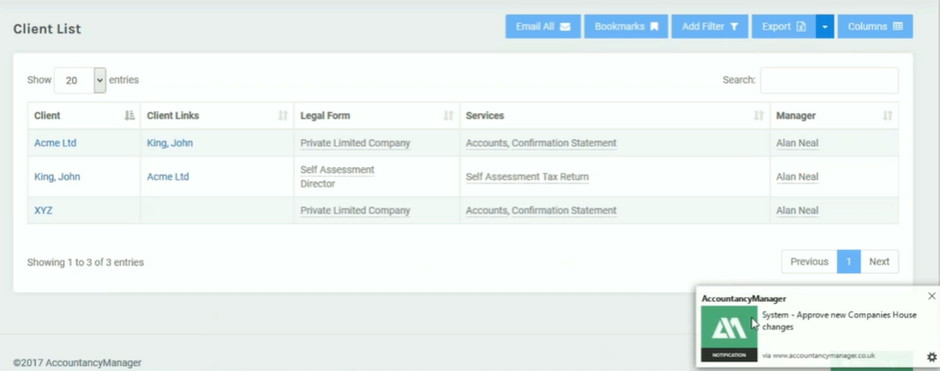
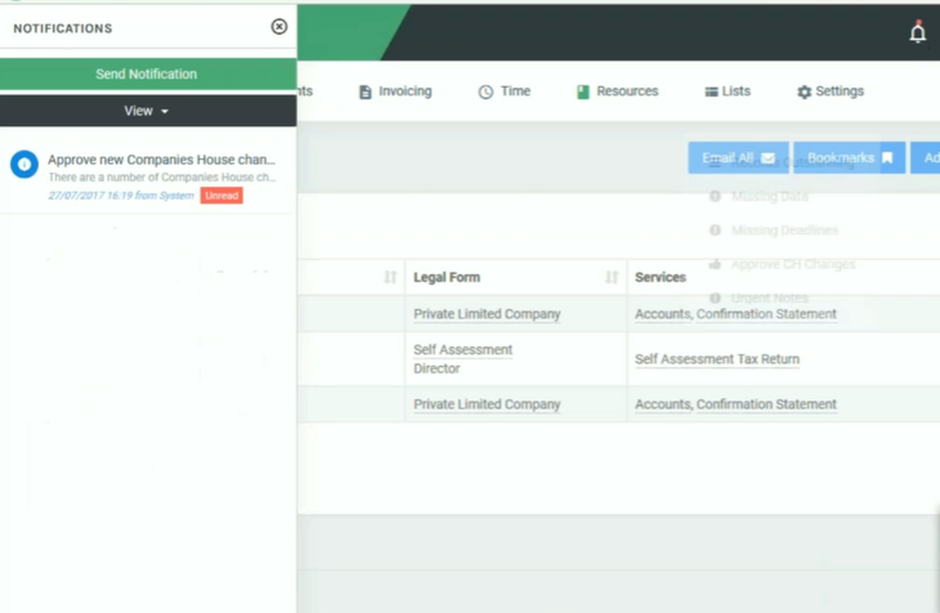
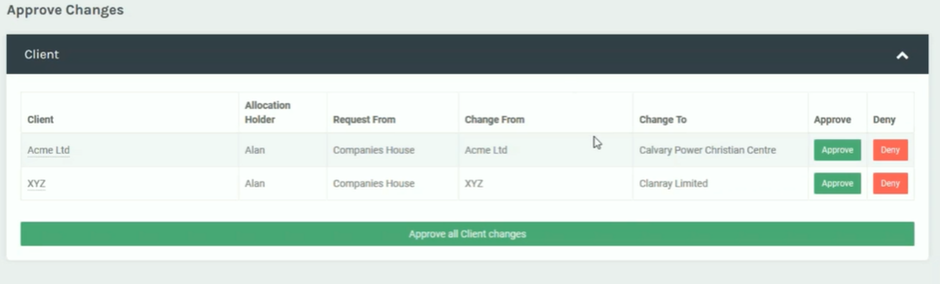
You will get a notification if the information is incorrect, to resolve this click on the notification bell icon in the top right. It will ask you to approve any necessary changes or to deny them.