The Following steps you can pass onto your Client in order for them to setup 2FA.
Go to Settings > Change Password.
Click Two Factor Authentication.
-
You will need to enter the 6 digit code from your chosen authentication app before selecting Enable 2FA. You can also use the QR code to add to an existing authenticator app.
Once scanned or entered, you will be brought to the below screen to enter another code. Once done, click sign-in.
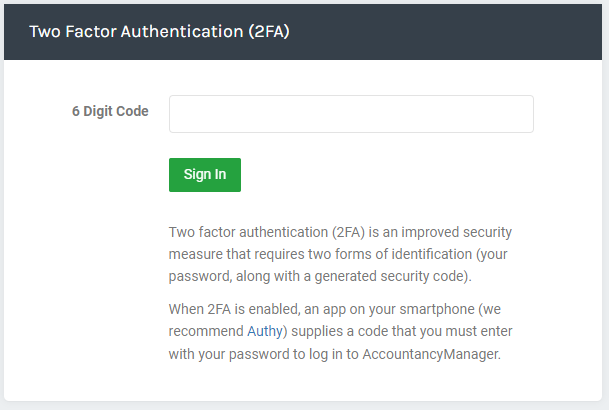
You will need to enter a code from your authenticator app every time you log in from then.
Note: To remove 2FA from your account, you will need to email - support@accountancymanager.co.uk from the email address you use to login to request removal.